Field Service Management Software Review
A bad software decision shows up fast in a service business. Dispatch gets backed up, techs lose time in traffic, invoices sit unpaid, and the office ends up babysitting work that should already be automated. That is why any field service management software review worth reading has to focus on what happens between the first customer call and the final payment - not just screenshots and feature grids.
For contractors, software is not a side tool. It is the operating system for daily revenue. If you run plumbing, HVAC, electrical, roofing, drain, irrigation, or handyman crews, the right platform should help you book faster, dispatch smarter, quote on the spot, collect payment earlier, and keep the office from turning into a paperwork department. If it cannot do that, the label on the homepage does not matter.
What a field service management software review should actually cover
A lot of reviews miss the point because they treat every field service company the same. A two-truck shop trying to stop missed calls has different needs than a 25-tech operation dealing with route density, inventory control, recurring maintenance, and payroll accuracy. Good software can serve both, but the review criteria need to reflect how contractor businesses really scale.
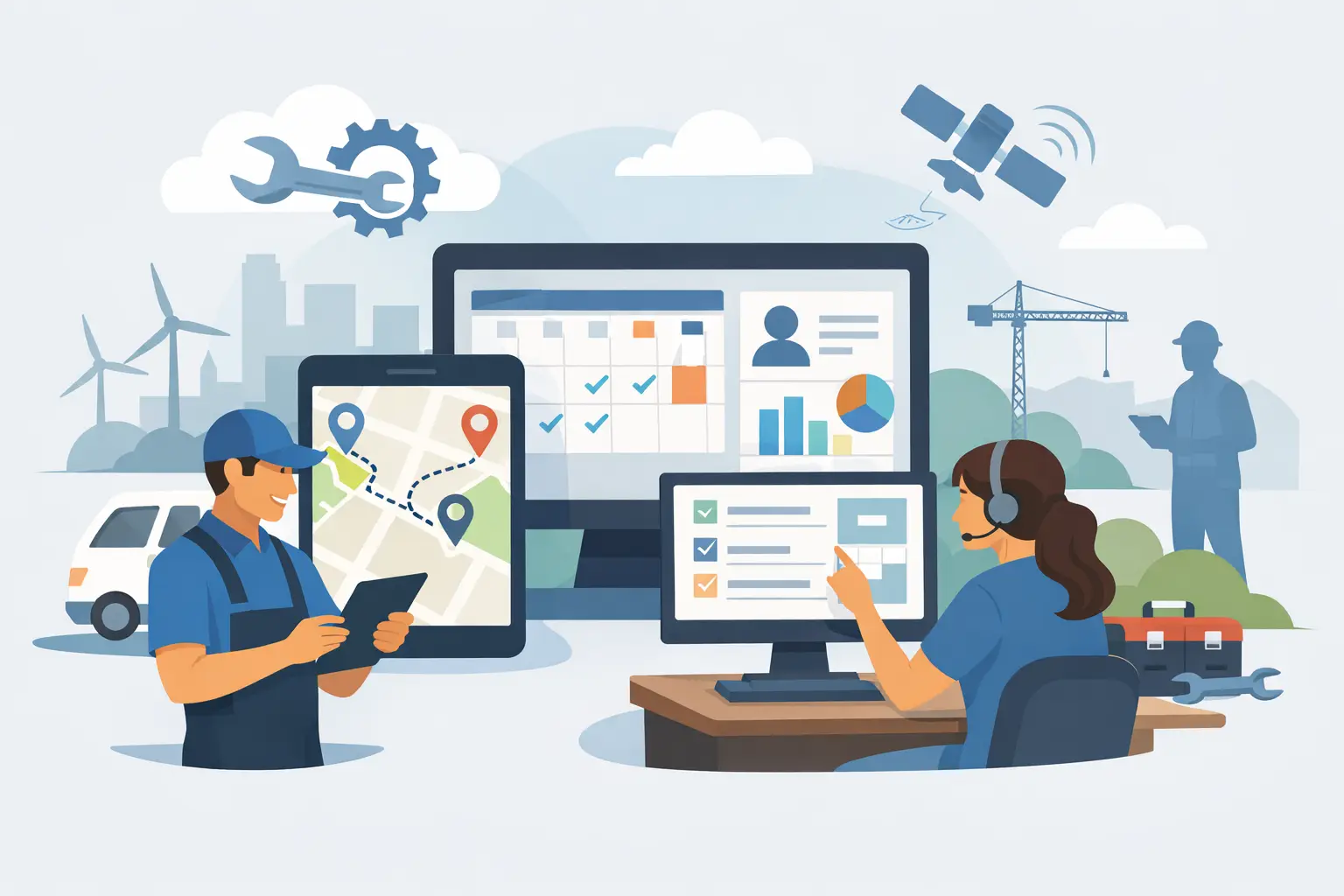
Start with scheduling and dispatch. This is where margin gets won or lost every day. If your dispatcher has to jump between a calendar, a map, a text thread, and a whiteboard mentality, you are paying for inefficiency in labor hours and windshield time. Strong field service software should make drag-and-drop scheduling easy, but that is just the baseline. The better test is whether dispatchers can see technician availability, job priority, location, and skill fit in one place and make decisions quickly.
The next category is estimating and invoicing. A system that creates professional quotes fast, converts approved work into jobs, and pushes invoices out without delay will directly improve close rates and cash flow. Many platforms claim to handle estimates and billing, but the real difference is how many steps your team has to take and how much manual cleanup happens after the job.
Then there is the mobile experience. If technicians hate using the app, your data quality will collapse. They need a clean workflow for notes, photos, checklists, signatures, time tracking, line items, and payment collection while standing in a driveway or mechanical room. Software should support the way field crews work under pressure, not force them into office-style processes.
The features that matter most in the real world
Contractors usually start shopping for software because one pain point gets loud enough to force a change. Maybe calls are getting missed. Maybe dispatch is slow. Maybe payroll is a mess because time is tracked in one app and jobs live in another. But once you switch systems, you want more than a patch. You want one platform that tightens the whole operation.
That is why all-in-one capability matters. Scheduling, CRM, dispatch, estimates, invoicing, payments, technician mobile workflows, inventory, time tracking, job costing, and recurring service management should work together. When those functions are split across separate tools, every handoff creates delay, duplicate entry, and missed details. The office ends up doing administrative work the software should have eliminated.
AI also deserves a harder look in any modern field service management software review. The market is full of vague AI claims, and a lot of them amount to little more than basic automation dressed up with new language. For service businesses, useful AI should reduce real labor. That can mean handling inbound calls, helping build estimates from voice input, suggesting quote content, improving dispatch decisions, or helping automate customer follow-up and marketing. If AI only exists in one isolated feature or sits behind extra fees, the operational value drops fast.
This is one area where some platforms are pulling ahead by embedding AI across the workflow instead of treating it like a premium side module. ServiceMerge is a strong example of that shift, especially for contractors who want practical AI tied to office speed, technician productivity, and revenue capture rather than novelty.
Where software reviews often get too generous
A platform can look impressive in a demo and still create friction after rollout. That usually happens in three ways.
First, the software has plenty of features, but too many are shallow. It may offer scheduling, invoicing, and CRM on paper, yet each module feels incomplete, so the business still needs separate tools. That means extra cost and extra failure points.
Second, pricing gets distorted by add-ons. A product can seem affordable until you realize critical capabilities such as payments, reporting, automation, mobile functionality, or advanced dispatching cost extra. Contractors should review total operational cost, not starter-plan pricing.
Third, implementation gets underestimated. The best software in the world will not help if your office cannot get jobs migrated, workflows configured, and technicians trained without weeks of chaos. Ease of adoption matters, especially for companies that are still moving off spreadsheets, paper invoices, or disconnected apps.
How to compare field service platforms without wasting weeks
The fastest way to compare systems is to map them against your busiest day, not your ideal day. Think about what happens when the phones are ringing, two techs are running late, one customer wants financing, another needs a revised estimate, and the office is trying to close out yesterday's invoices before payroll. That is the operating environment your software has to survive.
Look closely at call handling, job creation, dispatch speed, route visibility, estimate generation, invoice turnaround, and payment collection. Then ask what happens after the job. Can you trigger review requests, recurring service reminders, maintenance follow-ups, and reporting without exporting data into three other systems?
It also helps to pressure test reporting. Owners need visibility into job profitability, technician performance, revenue by service type, unpaid invoices, and operational bottlenecks. If reporting is weak, you will still be managing by gut feel, just with more software logins.
What different contractor businesses should prioritize
A smaller shop often needs speed and simplicity first. If you have a lean office and a handful of technicians, the biggest wins usually come from better scheduling, faster estimates, mobile invoicing, payment collection, and fewer missed calls. You do not need layers of complexity. You need software that removes admin drag immediately.
A larger or faster-growing company should look harder at dispatch logic, recurring maintenance workflows, inventory control, time tracking, payroll alignment, and job costing. At that stage, small inefficiencies scale into serious margin leakage. The software has to support repeatable systems, not just basic job booking.
Trade matters too. HVAC and plumbing businesses often need maintenance plans, equipment history, and faster quoting in the field. Electrical contractors may care more about project detail, parts tracking, and technician documentation. Drain and handyman businesses often need quick-turn scheduling and fast payment capture. The best platform is the one that fits your revenue model and operating tempo.
The trade-off between specialization and consolidation
Some companies prefer best-in-class point solutions for each department. In theory, that sounds smart. In practice, it often creates more coordination work for the office. Every disconnected system introduces sync problems, training friction, and reporting blind spots.
A consolidated platform usually gives contractors more control and better speed, even if one or two modules are less customizable than a niche tool. That trade-off is often worth it when the goal is tighter dispatch, less admin overhead, and faster cash collection. For most small to mid-sized service companies, operational consistency beats software perfection.
So what makes a platform worth buying?
The best answer is simple. It should help you run more jobs with less chaos.
A strong platform gives the office one place to schedule, dispatch, quote, invoice, and track the customer relationship. It gives technicians a mobile workflow they will actually use. It gives owners clean reporting and better control over margins. And increasingly, it should include meaningful AI that saves labor inside the workflow instead of charging extra for the privilege of basic automation.
If you are reading a field service management software review, do not get distracted by polished demos or long feature menus. Ask tougher questions. Will this reduce missed calls? Will this speed up dispatch? Will my techs finish jobs faster? Will invoices get out sooner? Will I need three add-ons to make it work the way my business runs?
That is the standard that matters. Pick the system that makes your operation faster, tighter, and easier to scale - because the software you choose will either protect your margin every day or quietly drain it.
Ready to run a smarter field service business?
Dispatch jobs, send invoices, collect payments, and track your techs in the field — with AI-powered scheduling, route optimization, and tools that cut admin work so your team stays on jobs, not paperwork. Built for many trades like plumbing, HVAC, roofing, and electrical — view the full list of trades.