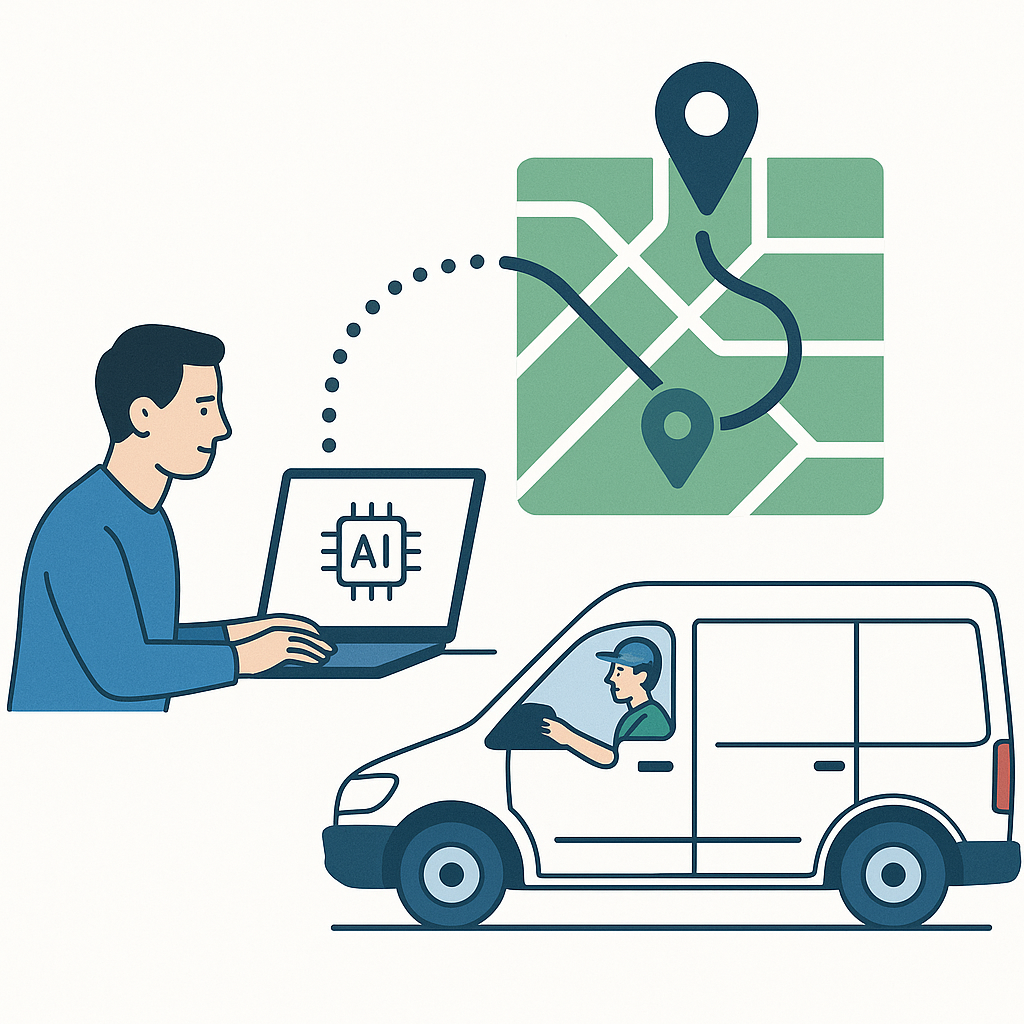
AI dispatch and route optimization reduce technician drive time by 20–35% when they share live data — but only when they work together. Standard route optimization solves for distance and time. AI dispatch layers in skill match, current workload, GPS proximity, and tech availability before routing decisions are made. The result: the right tech gets the right job, and the route reflects where that tech actually is right now — not where they were 90 minutes ago. For a 5-tech field service crew averaging 50 minutes of drive time per day, a 30% reduction recovers roughly 75 minutes of billable capacity daily. That compounds into thousands of dollars of recoverable revenue each month. Platforms that unify AI dispatch and route optimization in one system — with GPS auto-arrive, real-time job status, and mid-day rerouting — consistently outperform crews relying on manual dispatch or disconnected routing tools.
What Does Bad Dispatch Actually Cost a Field Service Business?
Bad dispatch costs a field service business in four places at once: wasted drive time, mismatched skill sets, customer callbacks from missed windows, and techs sitting idle while others run over. For a 5-truck plumbing company, sending the wrong tech 40 minutes across town when a closer, equally qualified tech was available wastes an hour of billable time before the first wrench turns.
That's not a hypothetical. It's Tuesday morning at 8am. You've got three techs already rolling, one finishing up a drain call across town, and a new water heater replacement just came in. Manual dispatch means someone's making a judgment call with incomplete information — who's closest, who's available, who even does water heaters. That call takes five minutes and costs you more if it's wrong.
The downstream effects compound fast. A mismatched dispatch sends a tech without the right parts. The customer waits for a second trip. Your tech drives back to the shop for stock. You've now burned two hours of capacity on a job that should have taken one. Meanwhile, your dispatcher is fielding a callback from the morning's first customer asking where their tech is.
Multiply that by 5 techs, 20 working days a month, and even one bad dispatch decision per tech per day starts to look like a serious revenue leak — not a scheduling inconvenience.
Why Do AI Dispatch and Route Optimization Have to Work Together?
AI dispatch and route optimization have to work together because assigning the wrong tech to an optimized route still produces a bad outcome. Route optimization tells you the most efficient path between stops. AI dispatch determines which tech should be making those stops in the first place. Separate those two systems and you get half the benefit of either.
Think about what a standalone routing app actually knows: job addresses and drive times. That's it. It has no idea that your best HVAC tech just started a 3-hour commercial job, or that the closest tech to the next call doesn't carry the refrigerant that job needs. Routing an unavailable or unqualified tech efficiently is still a waste.
AI dispatch solves the assignment problem first — ranking techs by skill match, truck stock, current workload, GPS proximity, and availability. Only after the right tech is identified does route optimization do its job: building the most efficient path for that specific tech's remaining jobs. The two systems have to share live data constantly. The moment a tech's GPS position updates, the moment a job status changes, the routing engine needs to know. Static data produces static routes. Field service is anything but static.
How Does the AI Dispatch + Route Optimization Workflow Actually Run?
The full AI dispatch and route optimization workflow runs in four stages: intelligent tech assignment, GPS-verified arrival tracking, real-time mid-day job insertion, and a feedback loop that improves future routing. Each stage feeds the next. Remove one and the system loses accuracy at every downstream decision.
Step 1: Auto-Assignment — Ranking Techs on More Than Just Location
When a new job enters the system, AI dispatch immediately scores every available tech against it. Location is one variable — but it's not the only one, and it's often not the most important one.
The ranking engine evaluates skill tags and trade certifications first. A residential HVAC call doesn't go to an electrician just because he's two miles closer. Next, it looks at current workload: jobs already dispatched, jobs in progress, and estimated completion times. A tech who's technically available but running 45 minutes behind on his current job isn't actually a good choice for a noon appointment.
Truck inventory is the third variable most platforms ignore but that matters enormously in the field. If the job requires a specific part and only one tech has it in truck stock, that tech moves up the ranking. Sending someone who'll need to stop at the supply house adds 45 minutes to an otherwise tight route.
The system surfaces the top 3 ranked techs with a score breakdown — not just a single auto-assignment. Dispatchers see why each tech ranked where they did. That transparency matters. Experienced dispatchers know things the algorithm doesn't: a tech going through a rough week, a customer who requested a specific person, a crew relationship that works better on commercial jobs. The AI handles the math. The dispatcher makes the final call with better information.
The whole ranking process takes seconds. What used to be a dispatcher's five-minute mental calculation — cross-referencing three whiteboards and a paper schedule — happens automatically every time a job comes in.
Step 2: GPS-Verified Arrival — Keeping Route Data Accurate in Real Time
GPS-verified arrival is what keeps route data honest. If the system doesn't know exactly when a tech arrived and when they left, every downstream routing decision is built on guesswork. Estimated arrival times drift. Actual job durations vary. Without real-time verification, routes go stale by mid-morning.
Smart geofencing handles this automatically. When a tech pulls within 150 meters of a job site, the system auto-triggers arrival — no button tap required. When they leave the 300-meter perimeter, the system auto-logs departure. That's a complete, GPS-verified time record for every job without adding a single step to the tech's workflow.
This matters for routing because the system always knows where each tech actually is, not where they're supposed to be. A tech who finished early is immediately available for rerouting. A tech running 30 minutes long triggers a real-time conflict flag before the next appointment is affected. The dispatcher sees it before the customer does.
It also protects against the most common dispatch failure mode: assuming a tech is done because the scheduled time elapsed. GPS-verified departure closes that gap. Route optimization can't work with stale position data — geofencing keeps the data live.
Step 3: Mid-Day Job Insertion — Handling the 2pm Emergency Call
The 2pm emergency call is the stress test for any dispatch system. A burst pipe, a downed AC unit in July, a commercial kitchen drain backing up before the dinner rush — these don't wait for tomorrow's schedule. How well your dispatch system handles mid-day insertion determines whether emergency calls are profitable or chaotic.
With AI dispatch, the insertion workflow runs automatically. The emergency job enters the system, the AI re-ranks all available techs based on current GPS position, remaining queued jobs, and skill match for the emergency type. It doesn't re-optimize the entire day — it finds the optimal insertion point in one tech's existing route that causes the least disruption to existing appointments.
Real-time conflict detection flags any overlap before the dispatcher confirms. If inserting the emergency call pushes tech's 3pm appointment past the customer's window, the system flags it immediately. The dispatcher can choose to accept the reroute and trigger an automated customer notification, or assign the emergency to a different tech.
Compare that to the manual alternative: a dispatcher calling three techs to find who can break away, manually calculating drive times on a phone, hoping the customer's window isn't already missed. The AI handles that entire process in under 30 seconds. The dispatcher confirms or adjusts. The tech gets a push notification with updated routing. The customer gets an automated heads-up. No one scrambles.
Step 4: The Feedback Loop — How Completed Jobs Make Tomorrow's Routes Smarter
Every completed job feeds data back into the dispatch system — actual drive times versus estimated, actual job duration versus scheduled, tech performance scores by job type. Over time, this feedback loop makes the AI's ranking and routing recommendations sharper.
If a specific tech consistently runs long on commercial electrical jobs, the system adjusts future time buffers for that tech on that job type. If a service area consistently produces longer drive times than estimated due to traffic patterns, route optimization learns to account for it. These aren't manual configuration changes — they're automatic refinements based on real-world job data.
The schedule history and audit log capture every dispatch decision, every route change, and every actual outcome. Owners can see exactly where time is being lost and make informed decisions about crew capacity, service area boundaries, or scheduling density. The data exists and it's usable — not buried in a spreadsheet no one has time to build.
What Does a 30% Drive Time Reduction Actually Mean for Your Revenue?
A 30% drive time reduction translates directly into additional billable jobs per week — not just faster routes. For a 5-tech crew averaging 50 minutes of daily drive time per tech, trimming that to 35 minutes recovers 75 minutes of capacity across the team every single day. Over 20 working days, that's 25 hours of recovered tech time per month.
Run the math on what those 25 hours are worth. If your average job produces $250 in revenue and takes 2 hours of tech time, that recovered capacity supports roughly 12 additional job completions per month. At $250 each, that's $3,000 in top-line revenue from the same crew, the same trucks, and the same overhead you're already carrying.
The compounding effect matters too. Techs who spend less time driving arrive less fatigued. They perform better on later-day jobs. They're less likely to run over on time, which protects the rest of the afternoon schedule. Customer satisfaction scores improve because appointment windows get hit more consistently. Fewer callbacks, fewer reschedules, fewer credits issued.
Drive time isn't just a cost — it's an indicator of how well your operation is running. A 5-truck electrical or HVAC business that tightens dispatch by 30% doesn't just save gas. It runs more jobs, closes more invoices, and gives every tech a more manageable day.
Who Is AI Dispatch + Route Optimization Actually Built For?
AI dispatch and route optimization deliver the most impact for field service businesses running 2 to 15 techs in a defined service area — HVAC, plumbing, electrical, drain cleaning, roofing, irrigation, and similar trades where job mix varies daily and dispatch decisions happen under time pressure. Small crews benefit most because every wasted hour represents a larger share of total daily capacity.
This isn't enterprise-only technology anymore. A 3-tech plumbing shop loses just as much to bad dispatch as a 15-tech HVAC operation — proportionally more, because there's no slack in the schedule to absorb it. The dispatcher wearing three hats, the owner who's also running calls — these are the people who benefit most from a system that does the routing math automatically and surfaces a ranked recommendation in seconds.
If you're currently dispatching off a whiteboard, a shared Google Calendar, or a paper schedule book, AI dispatch isn't an upgrade — it's a category change. The gap between manual dispatch and AI-assisted routing is measured in hours of recovered capacity per week, not minutes.
What Should You Look for in Any AI Dispatch + Route Optimization Platform?
The most important thing to look for in an AI dispatch and route optimization platform is whether the two systems share live data or operate independently. If your routing engine can't see real-time GPS positions and current job status, it's optimizing based on a snapshot that's already outdated. Live data integration is non-negotiable — everything else builds on it.
Beyond that, evaluate these capabilities specifically:
- Real-time GPS technician tracking
- Skill-based technician assignment
- Live job status updates
- GPS auto-arrive and auto-depart
- Mid-day emergency job insertion
- Real-time conflict detection
- Customer notification automation
- Technician mobile app access
- Schedule history and audit logs
- No per-technician pricing penalties
Avoid platforms that charge per-technician pricing for dispatch features — those costs scale against you as you grow. And be skeptical of routing tools that require manual location updates from techs. If it depends on someone remembering to tap a button from a crawlspace at 4:45pm on a Friday, it won't stay accurate for long.
How ServiceMerge Runs AI Dispatch and Route Optimization in One Platform
ServiceMerge builds AI dispatch and route optimization into a single unified platform — not two separate tools that share a login. The AI dispatching engine ranks technicians using live GPS position, skill tags, active job workload, and availability simultaneously. Dispatchers see the top 3 ranked techs with a full score breakdown so they can confirm or adjust with full context.
GPS Smart Geofencing handles arrival and departure automatically — 150-meter auto-arrive, 300-meter auto-depart, zero buttons required. That live position data feeds directly into routing decisions all day long. When an emergency job drops mid-afternoon, the system re-ranks available techs in real time and surfaces the optimal insertion point without disrupting the rest of the board.
Real-time conflict detection flags overlaps before they're confirmed. The schedule history and audit log capture every routing decision. And the AI Voice Receptionist can book jobs before the office opens, so the morning dispatch board already reflects overnight bookings when the team arrives.
ServiceMerge includes AI dispatch and route optimization on plans built for small and growing trade contractors — no per-tech fees, no implementation costs, no annual contract. A 14-day free trial and 30-day money-back guarantee mean there's no risk to running it against your real schedule and seeing what it recovers.
Ready to see what recovered drive time is worth to your crew? Start your free 14-day trial of ServiceMerge — no credit card required, no contract, and your data is yours to export anytime.
Frequently Asked Questions
How does AI dispatch differ from standard route optimization software?
Standard route optimization solves for distance and time — it doesn't know which tech has the right skills, the lightest workload, or a truck stocked with the right parts. AI dispatch layers in those variables before routing decisions are made, so the routing engine is working with the right tech to begin with. The combination of smart assignment plus optimized routing is what produces meaningful, consistent time savings — neither system alone gets you there.
Can AI dispatch handle last-minute job insertions without disrupting the whole schedule?
Yes — and this is one of its highest-value use cases. When an emergency job drops mid-day, the AI re-ranks available techs based on current GPS position, remaining workload, and skill match, then surfaces the optimal insertion point in an existing route. The dispatcher confirms in one click rather than manually reshuffling the entire board. Nothing falls through the cracks because real-time conflict detection flags any scheduling overlaps before they happen.
How much can AI route optimization realistically reduce drive time for a small field service team?
Industry data consistently points to 20–35% reductions in non-billable drive time for crews that switch from manual dispatch to AI-assisted routing. The actual number depends on crew size, job density in your service area, and how accurate your real-time location data is. Teams that pair AI dispatch with GPS auto-arrive and auto-depart geofencing tend to see results at the higher end of that range, because routing decisions are built on live data rather than estimated positions.
Does AI dispatch work for small contractors with only 3–5 technicians?
Absolutely — and small crews often see the biggest per-tech impact, because every wasted hour is a larger percentage of daily capacity. AI dispatch is no longer limited to enterprise platforms. Multi-factor AI dispatching is available on FieldWise HQ's plans built for small and growing trade contractors, putting the same routing intelligence used by larger operations within reach of a 3-tech plumbing or HVAC shop — with no contracts and no implementation fees.
What data does AI dispatch need to generate accurate technician rankings?
The core inputs are technician skill tags and certifications, current GPS location, active job workload (jobs in progress plus jobs queued), and calendar availability. The more accurate and current these inputs are, the sharper the ranking. This is why GPS auto-arrive and real-time job status updates matter so much — stale location or job data degrades the quality of every dispatch recommendation downstream, and the whole system loses its edge.
Ready to run a smarter field service business?
Dispatch jobs, send invoices, collect payments, and track your techs in the field — with AI-powered scheduling, route optimization, and tools that cut admin work so your team stays on jobs, not paperwork. Built for many trades like plumbing, HVAC, roofing, and electrical — view the full list of trades.