Field Service CRM Software That Pulls Its Weight
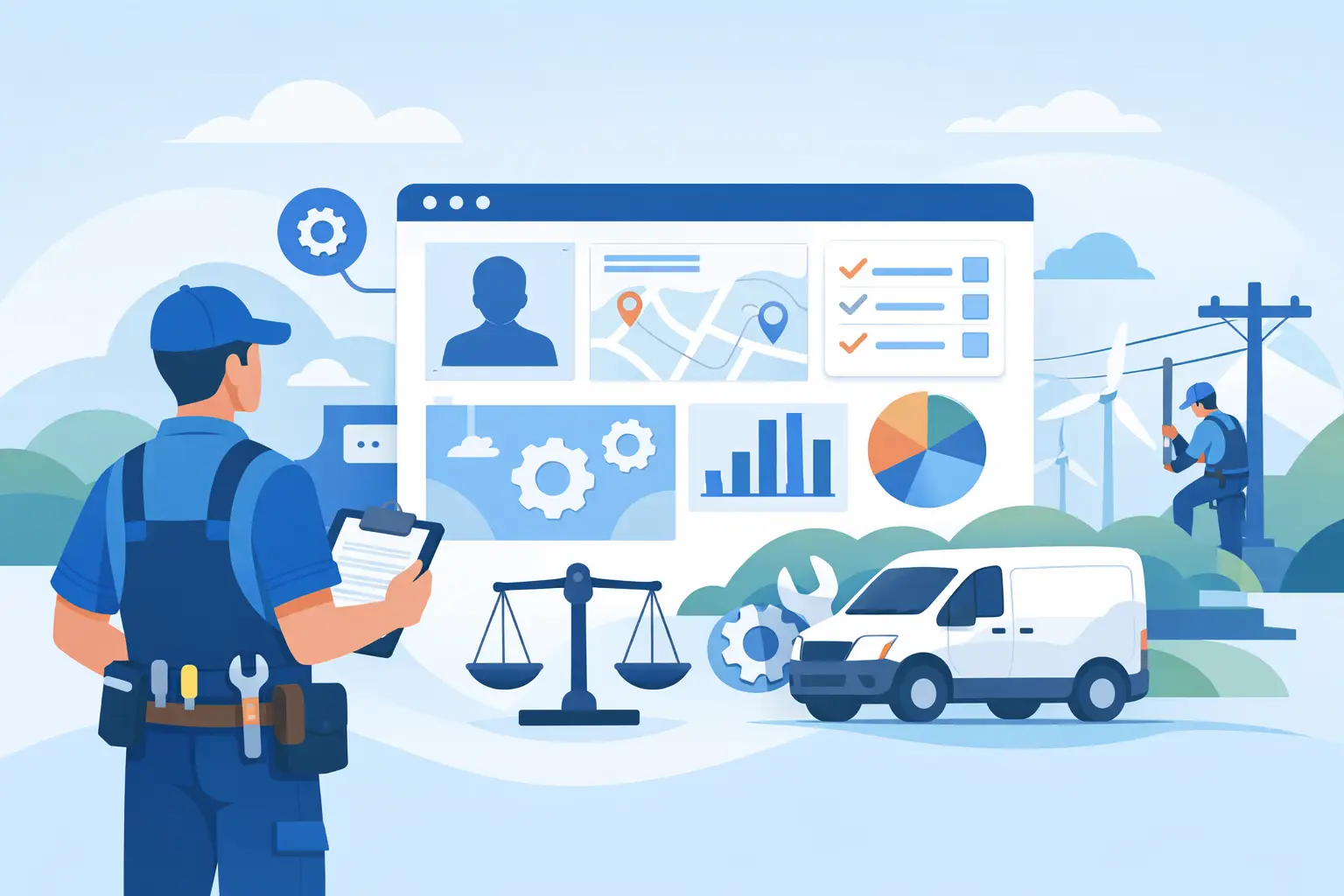
Most contractors do not lose jobs because their team cannot do the work. They lose them in the handoff - missed calls, slow follow-up, bad notes, no visibility into the next job, and office staff jumping between five different systems to keep the day moving. That is where field service crm software either earns its keep or becomes another monthly bill.
For a field service business, CRM is not just a sales database. It has to work where revenue actually gets won and lost - on the phone, in dispatch, on the technician’s tablet, at the estimate, and at the point of payment. If your CRM only stores contacts and a few job notes, it is not helping you run the business. It is documenting the chaos after the fact.
The better approach is to treat CRM as the operating layer behind customer communication, job history, estimates, scheduling, invoices, and payments. When it is connected to the rest of your workflow, it reduces office overhead and gives the field team the context they need to move faster. When it is disconnected, every call turns into a scavenger hunt.
What field service CRM software should actually do
A contractor does not need a generic CRM dressed up with a few service features. You need a system that understands repeat customers, multiple properties, recurring maintenance, technician notes, photos, memberships, equipment history, and open estimates. That information has to be available in seconds, not buried in separate apps.
At a minimum, field service crm software should show the full customer picture in one place. That means contact details, service address, estimate status, invoice status, previous jobs, unpaid balances, communications, and any special instructions for the field. If an office manager answers the phone and has to open three tabs to figure out what is going on, the software is already slowing you down.
It also needs to support the pace of same-day service. Dispatchers should be able to see where jobs stand, which tech is available, what parts may be needed, and how schedule changes affect the rest of the day. A CRM that ends at the lead stage is not built for a service operation. In this industry, the customer relationship continues through scheduling, service delivery, invoicing, payment collection, and future work.
Why contractors outgrow basic CRM tools fast
A lot of businesses start with lightweight CRM tools because they are cheap and familiar. That works for a while if your workflow is simple and your volume is low. But once you are running multiple crews, handling emergency calls, and trying to tighten margins, the gaps become expensive.
The first problem is duplicate entry. The office takes a call in one system, books the job in another, sends an estimate from somewhere else, and invoices from accounting software that does not fully connect to the customer record. Every handoff creates delay and risk. Notes get missed. Addresses get entered wrong. Payment status is unclear. Your team wastes time proving what should already be obvious.
The second problem is poor field visibility. If technicians cannot see job history, attached photos, equipment details, and customer notes from their phones, they walk in half-informed. That leads to slower diagnoses, more callbacks, and weaker customer confidence.
The third problem is cost creep. Many platforms look affordable until you realize dispatching, mobile workflows, AI assistance, payment tools, and automation are all sold as extras. Contractors end up stitching together add-ons and still living with disconnected operations.
The real value of field service CRM software
Good software should produce measurable operational gains, not just cleaner records. The biggest payoff usually shows up in four places: faster response time, better technician utilization, quicker payment collection, and less office labor.
Faster response time matters because speed wins jobs. When a customer calls for HVAC, plumbing, or electrical service, they are rarely making a leisurely buying decision. They want a confident answer and a clear next step. If your CRM is tied to scheduling and dispatch, the office can move from call to booked job without re-entering anything.
Technician utilization improves when the office can make better routing and scheduling decisions with live customer and job data in front of them. Instead of guessing who should take the next call, dispatch can assign work based on geography, skill set, job type, and urgency.
Quicker payment collection happens when estimates, invoices, and payment links are connected directly to the customer record. The work gets documented faster, the invoice goes out faster, and cash hits the account sooner. That is not a small benefit. For many contractors, cash flow friction is a bigger growth blocker than lead volume.
Less office labor is where the margin story gets serious. The more your software automates call handling, estimate creation, reminders, dispatch suggestions, and follow-up, the fewer hours your team spends pushing information around. That does not just cut admin time. It creates room to grow without adding headcount at the same pace.
What to look for in field service CRM software
The best buying criteria are practical. Start with call handling and customer intake. Can the system capture new leads quickly, route them to the right workflow, and keep the record clean from the first touch? If not, your front end stays messy.
Next, look at the connection between CRM and scheduling. This is where many tools break down. Customer data should not live in one part of the system while the actual work lives somewhere else. When scheduling is native to the platform, your office gets context while booking and your field team gets context before arrival.
Mobile access is non-negotiable. Technicians need customer history, job notes, checklists, photos, estimates, invoices, and payment collection tools in the field. If the mobile experience is weak, adoption drops and the office ends up cleaning up the mess later.
You should also pay close attention to automation and AI. Not because AI is trendy, but because service businesses are overloaded with repetitive work. Voice answering, voice-to-estimate creation, dispatch recommendations, and quote suggestions can remove real bottlenecks when they are built into the workflow. If AI is bolted on, hidden behind upgrades, or too generic for the trades, the value usually falls apart in practice.
Finally, evaluate reporting. Your CRM should help you answer business questions fast: Which techs are converting estimates? Which job types produce the best margins? Where are delays happening between call intake and cash collection? If you cannot see that, growth turns into guesswork.
One platform beats a stack of partial tools
There is a reason contractor software stacks get ugly. A business adds one tool for CRM, one for dispatch, one for invoicing, one for payments, and another for marketing. Each tool solves part of the problem. Together, they create more admin.
An all-in-one platform changes the economics. Instead of paying extra to connect separate systems and train staff across all of them, you get a shared workflow from first call to final payment. That is a direct operational advantage. It reduces mistakes, shortens onboarding, and makes it easier to hold teams accountable because everyone is working from the same source of truth.
This is also where some vendors separate themselves from the pack. ServiceMerge, for example, positions AI across the workflow instead of treating it like a premium add-on. That matters to contractors because they do not need one more feature to buy. They need fewer manual steps between the phone ringing and the invoice getting paid.
When the cheapest option is the expensive one
Price matters. Every contractor watches software spend. But the lowest subscription cost is not the best value if the platform still requires extra tools, extra admin labor, and extra delays.
A cheaper CRM can cost you more if dispatching is clunky, payment collection is slow, or your office has to manually build estimates and chase follow-up. On the other hand, a higher monthly fee can be the better deal if it replaces multiple subscriptions, reduces overtime in the office, and helps your team run more jobs per day.
That is why software decisions should be tied to throughput and margin, not just line-item price. Ask what the system changes operationally. Does it reduce scheduling friction? Does it improve close rates? Does it speed up cash collection? Does it help you scale without adding another full-time coordinator? Those are the numbers that matter.
The right system should make your business feel tighter
When field service CRM software is doing its job, the office sounds more organized, the schedule moves with less friction, technicians arrive better prepared, and customers feel the difference. Jobs get booked faster. Estimates go out sooner. Invoices do not sit for days waiting on paperwork.
That is the standard to use when evaluating any platform. Not whether it has a long feature list, but whether it helps your team complete more profitable work with less drag. If the software cannot make the day easier and the business stronger, it is not really software for the field. It is just another screen to babysit.
Choose the system that helps you answer the phone faster, dispatch smarter, collect cash sooner, and keep your entire operation moving in one direction.
Ready to run a smarter field service business?
Dispatch jobs, send invoices, collect payments, and track your techs in the field — with AI-powered scheduling, route optimization, and tools that cut admin work so your team stays on jobs, not paperwork. Built for many trades like plumbing, HVAC, roofing, and electrical — view the full list of trades.