QuickBooks Field Service Integration That Works
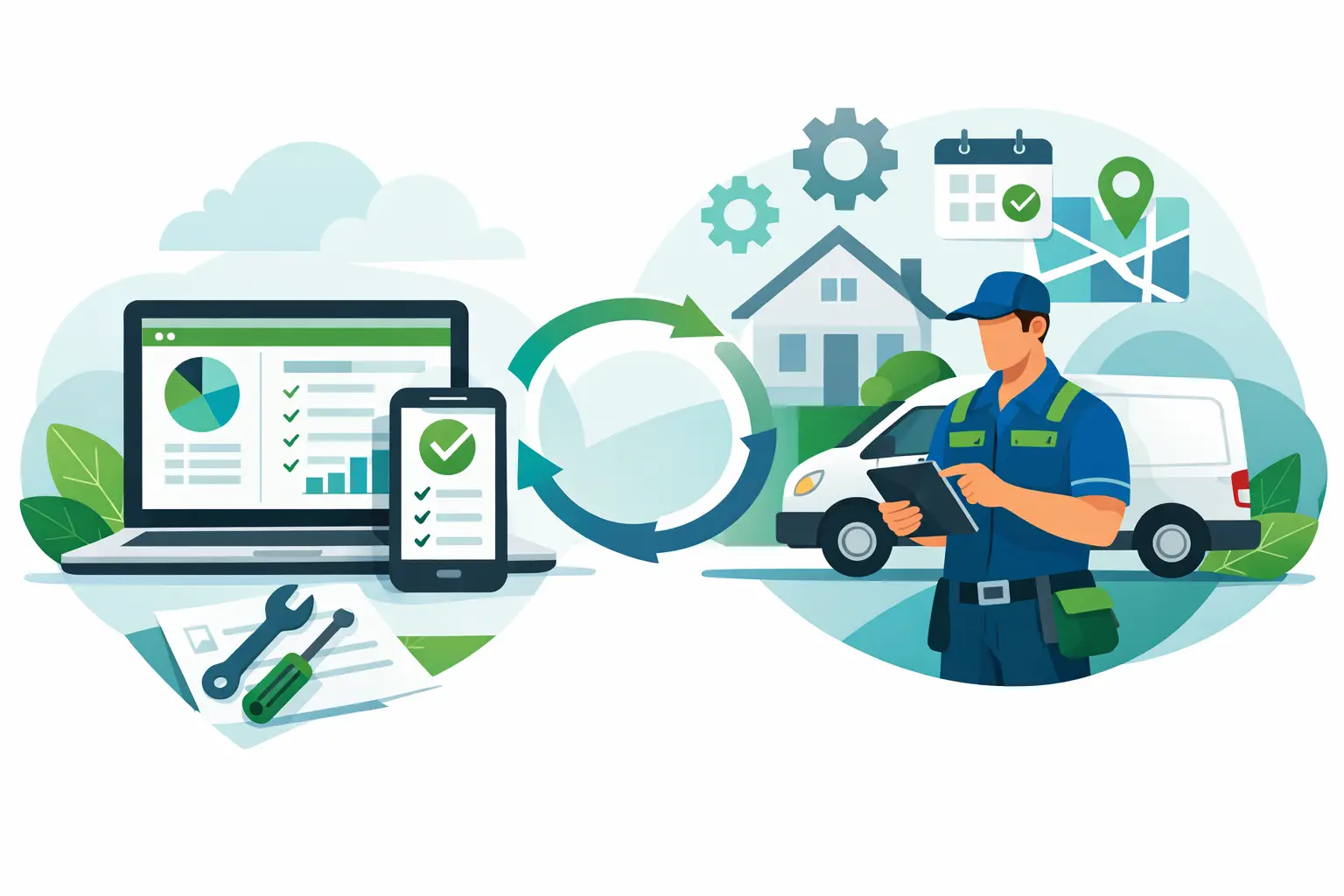
If your office team is still retyping invoices, payroll hours, customer details, and job costs between QuickBooks and your field software, you do not have a software stack. You have a bottleneck. QuickBooks field service integration matters because every duplicate entry creates another chance for missed billable items, delayed invoices, and reporting you cannot trust.
For contractors, this is not a back-office convenience issue. It is a speed issue, a cash flow issue, and a margin issue. When dispatch, estimates, work orders, time tracking, payments, and accounting live in disconnected systems, the office burns hours cleaning up avoidable mistakes. The field finishes the work, but the admin team is stuck chasing paperwork instead of closing the day clean.
What QuickBooks field service integration should actually do
A lot of software companies talk about integration as if syncing a customer name and invoice total is enough. It is not. A useful QuickBooks field service integration should reduce admin work in a measurable way and give your team one clean operating rhythm from the first call to final payment.
At a minimum, the integration should carry over customer records, estimates, invoices, payments, products or services, tax settings, and key financial details without forcing your team to babysit every transaction. If technicians are capturing job notes, photos, line items, time, and signatures in the field, that information should flow into invoicing and accounting without another round of manual entry.
The real test is simple. If your dispatcher, office manager, or bookkeeper still has to patch holes every afternoon, the integration is not doing enough.
Where contractors feel the pain without it
Most service businesses can tolerate a messy process for a while, especially when the owner is still close to every job. That breaks down fast once volume increases. Ten invoices a day is manageable. Fifty invoices, multiple crews, recurring maintenance work, and same-day dispatches are not.
Without a solid integration, estimates get approved but never make it into accounting correctly. Technicians add materials on-site, but those charges do not show up on the final invoice. Time entries live in one system, payroll reviews happen in another, and job costing becomes a guessing exercise. The office starts using spreadsheets as a survival tool. That is usually the moment when growth starts creating more chaos than profit.
QuickBooks is strong accounting software, but it is not built to run field operations. It does not dispatch your techs, optimize routes, manage work status in real time, or guide a technician through a mobile workflow at the job site. That is why field service businesses need a system built for operations with an accounting connection that holds up under daily use.
The best setup is not always two equal systems
This is where a lot of contractors get stuck. They try to force QuickBooks to be the center of the business because it handles the books. In practice, that usually creates friction. Your accounting platform should be the financial source of record. Your field service platform should run the business day to day.
That distinction matters. Scheduling, dispatching, technician tracking, estimates, approvals, memberships, inventory usage, work orders, and mobile payments belong in the operating system your team uses every hour. QuickBooks should receive the right financial outputs without becoming the place where service workflows are managed.
When that split is clear, your staff works faster. Dispatch is not waiting on accounting rules to book a job. Techs are not fighting desktop-style workflows from a phone. The bookkeeper gets cleaner data because the field activity is structured correctly from the start.
What to look for in a QuickBooks field service integration
The first requirement is reliable two-way or purpose-built syncing where it actually matters. Customer updates should not create duplicates. Invoices should not fail because a tax code did not map correctly. Payments should post cleanly. Item and service mapping should be predictable, not something your team has to relearn every month.
The second requirement is workflow depth. A weak integration moves summary data. A strong one connects the operational steps that create the financial record. For example, if a technician adds equipment, materials, or labor during the job, those changes should feed the invoice automatically. If a customer pays in the field, that payment should not sit in limbo waiting for someone in the office to enter it again.
The third requirement is exception handling. Every contractor has edge cases - partial payments, deposits, change orders, split invoices, warranty work, recurring service agreements, and jobs that span multiple visits. If the integration breaks the moment your workflow gets real, it is not built for a service business.
Common trade-offs you should expect
There is no perfect integration because every contractor runs a little differently. Some want QuickBooks to remain tightly involved in invoicing. Others want the field platform to own customer-facing billing and only push finalized financial data into accounting. Neither approach is automatically right.
If your business has a complex accounting structure, your finance team may want more control at the QuickBooks level. That can improve oversight but often slows the office down. If your goal is speed from job completion to payment, you may prefer more of the invoicing workflow to happen in the field service platform. That usually improves collections and technician efficiency, but it requires tighter process discipline upfront.
It also depends on your size. Smaller shops often need simple automation that removes double entry fast. Larger or faster-growing businesses usually need more than sync. They need stronger approvals, better job costing, cleaner inventory tracking, and workflow consistency across office and field teams.
Why integration alone does not fix operations
A bad process that syncs is still a bad process. That is the part some software vendors avoid saying out loud.
If your pricebook is inconsistent, your item mapping is messy, or your technicians are not capturing complete job details, the integration will simply move bad data faster. That is why the best results come from pairing accounting sync with a field platform that standardizes how jobs are scheduled, completed, documented, and billed.
This is also where modern automation starts to matter. If your system can help answer calls, build estimates from voice input, suggest next actions, and support dispatch decisions, you are not just reducing admin work. You are improving the quality of the data before it ever reaches QuickBooks. That makes every report more useful and every handoff cleaner.
How contractors usually know it is time to upgrade
You do not need a consultant to tell you when your stack is holding you back. The signs are obvious in the daily grind.
Your office is staying late to close invoices. Your techs are texting job details because the app is too limited. Payments are collected in the field but reconciled later with too many manual steps. Your owner or ops manager cannot trust job profitability until weeks after the work is done. And every time volume spikes, admin labor grows right along with it.
That is when QuickBooks field service integration stops being a nice feature and starts becoming an operating requirement. The goal is not to connect software for the sake of connection. The goal is to create a faster path from booked job to completed work to collected cash.
What a better operating model looks like
The strongest setup gives each team what it needs without making anyone do duplicate work. CSRs book the job once. Dispatch sees the schedule clearly. Technicians get everything they need on mobile, including customer history, line items, checklists, and payment tools. The office reviews exceptions instead of rebuilding every transaction. Accounting gets clean financial records instead of a stack of fixes.
That is why more contractors are moving toward all-in-one field service platforms with real accounting connectivity instead of stitching together narrow tools. A platform like ServiceMerge is built around the contractor workflow first - scheduling, dispatch, estimates, payments, mobile execution, job costing, and AI-assisted admin tasks - while still supporting the accounting handoff that keeps the books accurate.
The payoff is not theoretical. It shows up in faster invoicing, fewer office hours wasted on reentry, better visibility into job costs, and a business that can add volume without adding the same amount of overhead.
If you are evaluating software, ask one practical question: when a job changes in the field, how many people have to touch that information before it is billed correctly and reflected in accounting? The lower that number, the stronger your operation will be.
Ready to run a smarter field service business?
Dispatch jobs, send invoices, collect payments, and track your techs in the field — with AI-powered scheduling, route optimization, and tools that cut admin work so your team stays on jobs, not paperwork. Built for many trades like plumbing, HVAC, roofing, and electrical — view the full list of trades.