Best Dispatch Software for HVAC Teams
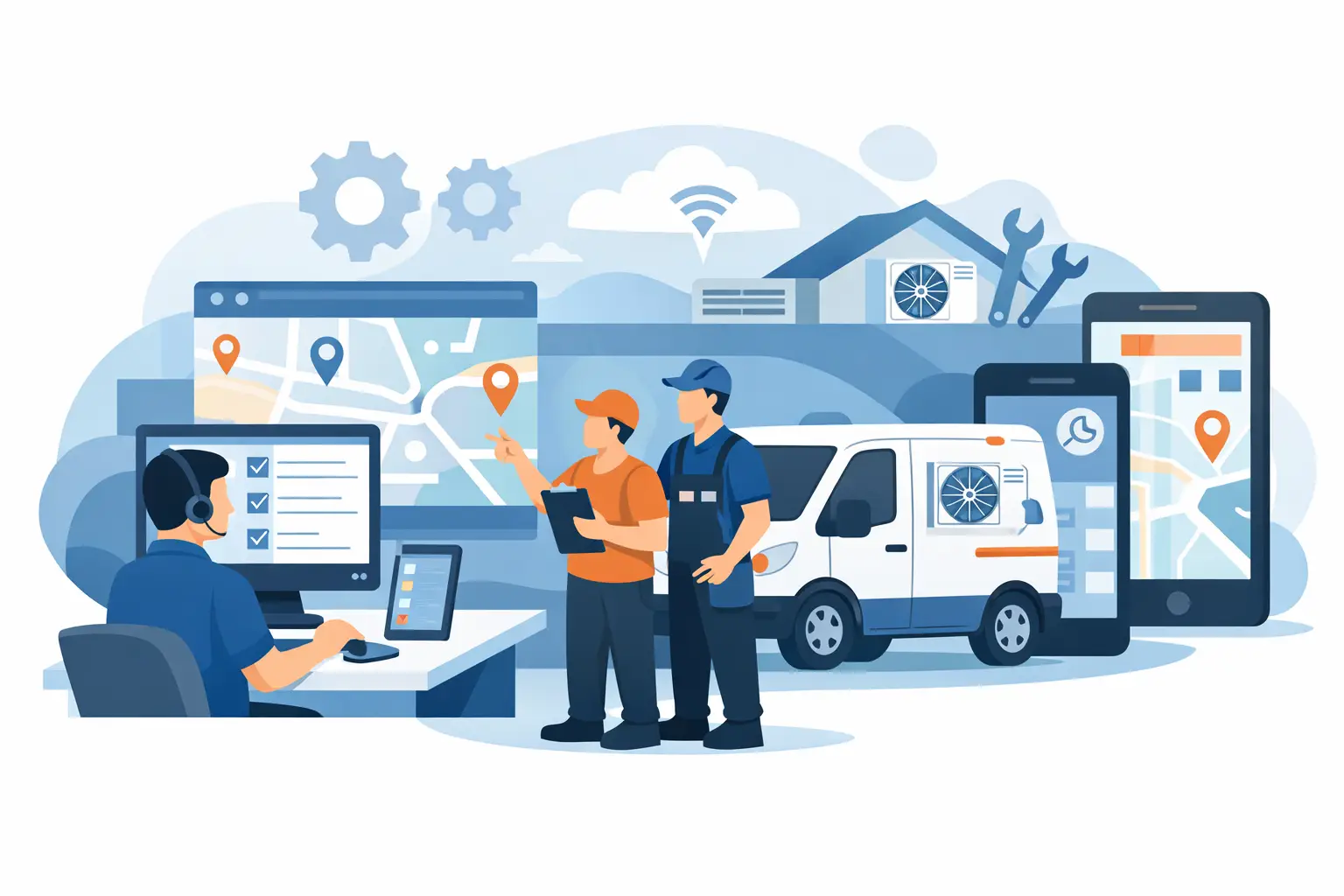
When the board is full, two techs are running late, and a no-cool call just came in from a maintenance customer, your dispatch process gets exposed fast. The best dispatch software for HVAC is not the one with the longest feature list. It is the one that helps your office move jobs faster, route techs smarter, and keep revenue from slipping through gaps in scheduling, estimates, and payment collection.
HVAC businesses do not need generic scheduling tools dressed up for the trades. They need software built around real operating pressure - emergency calls, multi-tech installs, seasonal demand swings, warranty work, membership customers, and tight arrival windows. That is why choosing a dispatch platform is less about flashy dashboards and more about whether your team can actually run a cleaner, faster day.
What the best dispatch software for HVAC should actually do
A strong HVAC dispatch system starts with the basics: a live schedule, drag-and-drop dispatching, technician tracking, customer history, and mobile field access. But those are table stakes now. If that is all a platform offers, you are still going to feel friction every day.
The real test is how well the system connects dispatch to the rest of the job cycle. If your dispatcher has to jump between one app for booking, another for estimates, another for invoicing, and a separate payment tool, you are carrying unnecessary admin. That slows down response time and creates mistakes that hurt margins.
For HVAC, the best systems keep scheduling, dispatch, job notes, estimates, invoices, and payment status in one workflow. A dispatcher should be able to see who is available, what parts may be needed, whether the customer is on a maintenance plan, and what happened on the last visit without opening five tabs.
That matters even more during peak season. In July and August, every extra click compounds. If your office is handling heavy call volume and your dispatch process still depends on whiteboards, spreadsheets, or disconnected software, you will lose jobs you should have won.
The features that make a real difference in HVAC dispatch
Not every feature moves the needle equally. HVAC owners should care most about the capabilities that improve technician utilization and speed up office decisions.
Live GPS tracking helps, but it is only valuable if dispatchers can act on it quickly. Smart route suggestions matter, but only if they account for technician skill set, job type, and promised arrival windows. Customer communication tools are useful, but they need to be tied directly to job status so the office does not manually send updates all day.
Good dispatch software for HVAC should also handle more than simple service calls. You may need to assign a maintenance visit in the morning, an emergency repair at noon, and a two-tech install in the afternoon. Some platforms are fine for single-visit jobs but get clunky when you need to coordinate teams, equipment, and longer blocks of time.
That is where AI can separate modern platforms from older systems. Not because AI sounds impressive, but because it can cut office workload in practical ways. AI-assisted scheduling, call handling, quote support, and dispatch recommendations can reduce the time your team spends sorting jobs manually. If a vendor treats those tools like expensive extras, the value gets weaker fast. Contractors need productivity gains built into the platform, not hidden behind add-on fees.
Where many HVAC dispatch tools fall short
A lot of software looks strong in a demo because the dispatch screen is polished. Then the real work starts. You find out recurring maintenance is awkward to manage, customer histories are incomplete, and invoice handoff from field to office is messy.
That is a common problem with point solutions. A dispatch-first tool can improve scheduling but still leave you with disconnected estimating, inventory, memberships, and payments. You may solve one bottleneck while creating three more.
There is also the issue of adoption. If the mobile app is slow or confusing, technicians stop using it correctly. Then dispatchers lose visibility, notes go missing, and job statuses become unreliable. The best HVAC dispatch software is not just easy for the office. It has to work in the field, under pressure, with technicians who want fast taps, clear job info, and no wasted screens.
Pricing structure matters too. Some vendors advertise a low starting price, then charge extra for dispatch automation, customer texting, reporting, or payment tools. For an HVAC company trying to scale, that can turn a cheap-looking platform into an expensive stack.
How to compare HVAC dispatch platforms without wasting time
Start with workflow, not marketing. Map out what happens from the moment a customer calls to the moment you get paid. Then look for the spots where your team loses time, drops information, or doubles up on work.
If your biggest issue is missed calls and slow booking, dispatch software alone will not fix it. You need better intake tied directly into scheduling. If your jobs are getting booked but not closed cleanly, focus on field-to-office handoff, estimates, invoicing, and payment collection. If your schedule changes constantly, prioritize flexible dispatch controls, GPS visibility, and technician matching.
This is also where company size matters. A smaller HVAC shop may need straightforward scheduling and invoicing with room to grow. A larger operation with install crews, service agreements, and multiple dispatchers needs deeper operational controls. There is no single best fit for every contractor.
Still, a few evaluation questions cut through the noise fast. Can the software handle service, maintenance, and installs in one system? Can dispatchers see real-time technician status without chasing calls and texts? Can techs build estimates and collect payment in the field? Can management track job performance without exporting data into spreadsheets every week?
If the answer to those questions is no, it is probably not the best dispatch software for HVAC, even if the interface looks clean.
Why all-in-one usually beats stitched-together tools
For HVAC companies focused on growth, dispatching works best when it is part of a larger operating system. That is because dispatch decisions affect revenue, labor efficiency, customer experience, and cash flow all at once.
A rushed schedule can lead to late arrivals. Late arrivals create upset customers. Upset customers reduce close rates and increase callbacks. Poor job documentation delays invoicing. Delayed invoicing slows payment collection. What starts as a dispatch problem becomes a business problem.
An all-in-one system gives you a better shot at controlling the whole chain. When dispatch, CRM, estimates, invoices, memberships, inventory, time tracking, and payments are tied together, your office gains leverage. The same platform that routes the tech can also surface customer history, generate a quote, push the invoice, and log the payment.
That is a big reason many HVAC operators are moving away from software stacks made up of separate tools. The hidden cost is not just subscription spend. It is admin hours, training friction, duplicate data entry, and slower decisions.
ServiceMerge is part of that newer category - a contractor-focused platform built to run scheduling, dispatch, estimating, payments, and technician workflows in one place, with AI embedded across the operation instead of sold as a bolt-on. That kind of approach makes more sense for HVAC companies that want fewer handoffs and more output per office employee.
The trade-offs to keep in mind
There is no perfect platform for every HVAC company. Some dispatch tools are easier to learn but lighter on operational depth. Others offer broader business controls but require a more intentional rollout.
If you run a very small team and only need simple booking, a lightweight app may feel fine at first. But if you are adding technicians, pushing maintenance agreements, or trying to tighten payment cycles, you can outgrow basic tools quickly. On the other hand, if you buy a system with advanced capabilities and never train the team properly, you will not get the return.
Implementation matters. So does support. So does how quickly your dispatchers and techs can use the software without slowing down jobs. The best choice is usually the platform that improves your current bottlenecks now and still supports the way you want to operate a year from now.
What HVAC owners should prioritize next
If you are reviewing software, do not ask which platform has the most features. Ask which one removes the most friction from your day. That means faster booking, smarter dispatching, cleaner field communication, quicker estimates, and fewer delays between job completion and payment.
The best dispatch software for HVAC should help you run more calls without adding office overhead. It should make your technicians easier to deploy, your dispatchers faster to respond, and your cash collection tighter at the end of the job. If it cannot do those things, it is not helping your business as much as the sales pitch suggests.
The right system should feel like operational leverage. Less chasing. Less rework. More completed jobs per day. More visibility into what is happening. More control when the schedule gets chaotic. That is the standard worth buying against, especially when busy season stops being forgiving.
Ready to run a smarter field service business?
Dispatch jobs, send invoices, collect payments, and track your techs in the field — with AI-powered scheduling, route optimization, and tools that cut admin work so your team stays on jobs, not paperwork. Built for many trades like plumbing, HVAC, roofing, and electrical — view the full list of trades.